Do you want to import your existing website into Installatron, so you can manage it via DirectAdmin? This article will help you get started.
Within Installatron, you can also clone your website to another domain in your account, or for example to a subdomain. On such a subdomain, you can safely test changes without affecting your live website.
Logging in to bHosted
Go to https://mijn.bhosted.nl and log in with your username and password. Then click through to the DirectAdmin control panel.

Importing an application
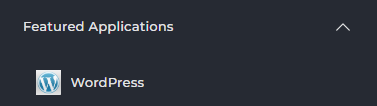
Do you want to import an application? Then under Featured Applications, choose the application that is already installed. Is it a WordPress installation? Then choose Wordpress:
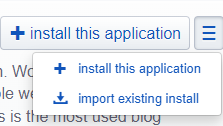
Then click on the 3 dashes to the right of "install this application" and choose import existing install:
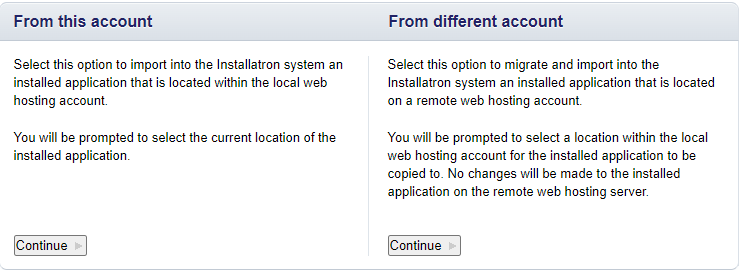
Is it a website that is already under your account with us? Then choose From this account:
Then, under "domain", choose the domain from which you want to import the website. Is the data simply located in the public_html? Then leave the "directory" field empty and click import:
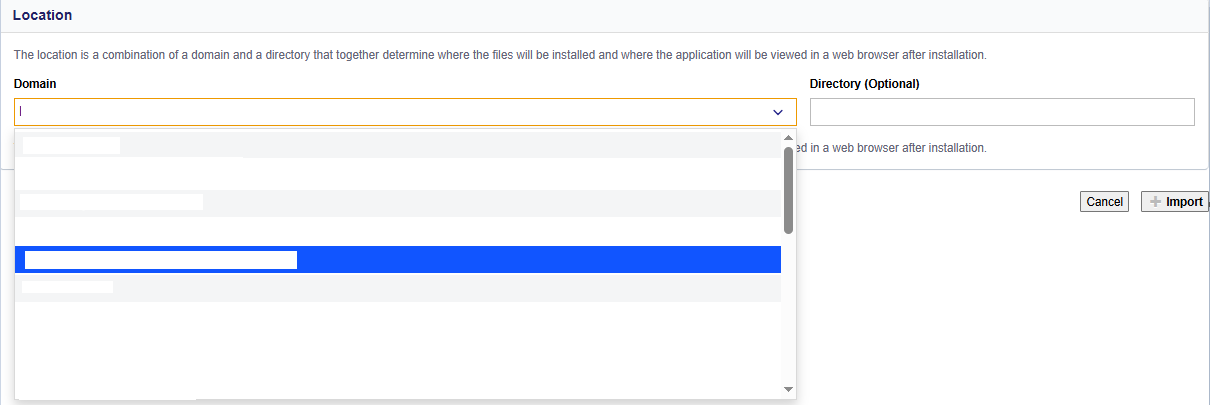
Is your installation located in a separate folder within the public_html folder? Then enter that folder name in "directory" and then choose import.
Having trouble importing?
Can't figure it out? Feel free to contact the bHosted helpdesk. We'll be happy to help you further.