Sometimes it's useful to make a copy of your website. Within Installatron this is very easy: for example, you can "clone" your WordPress or Joomla website.
This creates a 1-to-1 copy, so you can, for instance, create a test environment. In this environment, you can safely make changes without this immediately affecting your live website.
Many customers create a subdomain for this purpose. You can then use this as a test environment, or build a completely new website on it.
Logging in to bHosted
Go to https://mijn.bhosted.nl and log in with your username and password. Then click through to the DirectAdmin control panel.

Cloning an application
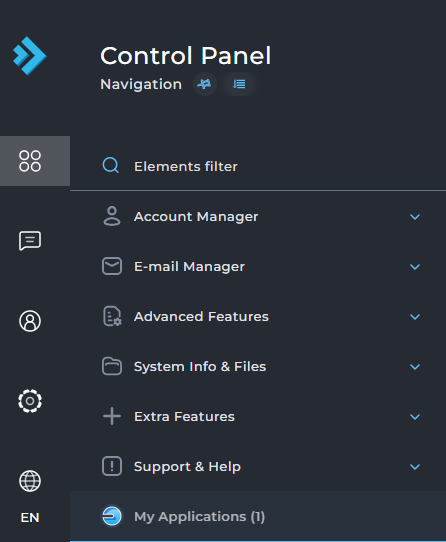
On the left, choose My Applications and click directly on the installation you want to clone:
Then choose Clone in the top right corner:

In the next screen, under Destination, specify to which domain the application should be cloned. To do this, select the desired URL under domain.

Under directory you can optionally enter a folder where the installation will be placed.
Do you want to move the clone to the main domain? Then leave this field empty! In that case, the public_html folder of that (sub)domain will be used.
Then choose Clone at the bottom of the page. The installation will now be copied to the chosen URL.
Problems cloning?
Is cloning not working? Please contact the bHosted helpdesk. We're happy to help you further.