Do you want to add a subdomain to your domain, such as test.yourdomain.nl? You can easily arrange this via the bHosted control panel. The system will then automatically set up the correct settings in DirectAdmin and the DNS, so you don't have to do anything yourself.
Creating a subdomain step by step
1. Log in to your account
Go to https://mijn.bhosted.nl and log in with your username and password.
2. Go to domain management
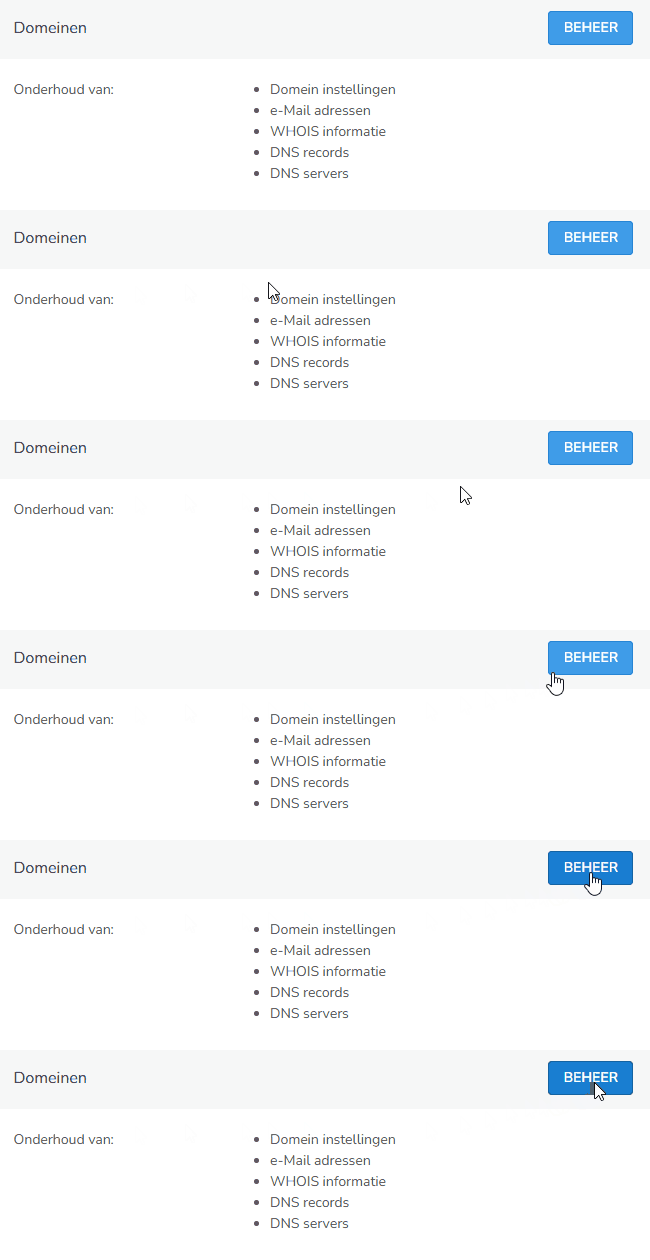
In the control panel, on the right-hand side under "Domeinen", click "Beheer".
3. Choose the correct domain
Select the domain for which you want to create a subdomain.
4. Add a subdomain
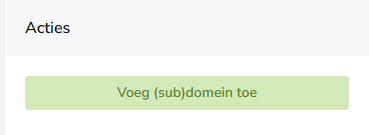
Under Ga naar..., click "Voeg (sub)domein toe".
5. Enter your subdomain
Enter the desired subdomain, for example: test.yourdomainname.nl
Then click "Opslaan".

What happens automatically?
Once you've created the subdomain, bHosted takes care of the rest for you:
- A folder structure is automatically created in DirectAdmin
- The correct DNS settings (A records) are added
- Your subdomain is immediately technically active
Important to know
It can take up to approximately 60 minutes for the DNS to be updated worldwide. After that, your subdomain is fully accessible and ready for use.
Questions about subdomains?
Do you have questions, or are you unable to create a subdomain? Feel free to contact the bHosted helpdesk. We're happy to help you further.