Do you need more (or less) capacity for your website? You can easily adjust your hosting package via the control panel.
Step by step: adjusting your hosting package
1. Log in to your account Go to https://mijn.bhosted.nl and log in with your username and password.
2. Go to web hosting In the control panel, click ‘Manage’ next to ‘Web hosting’.
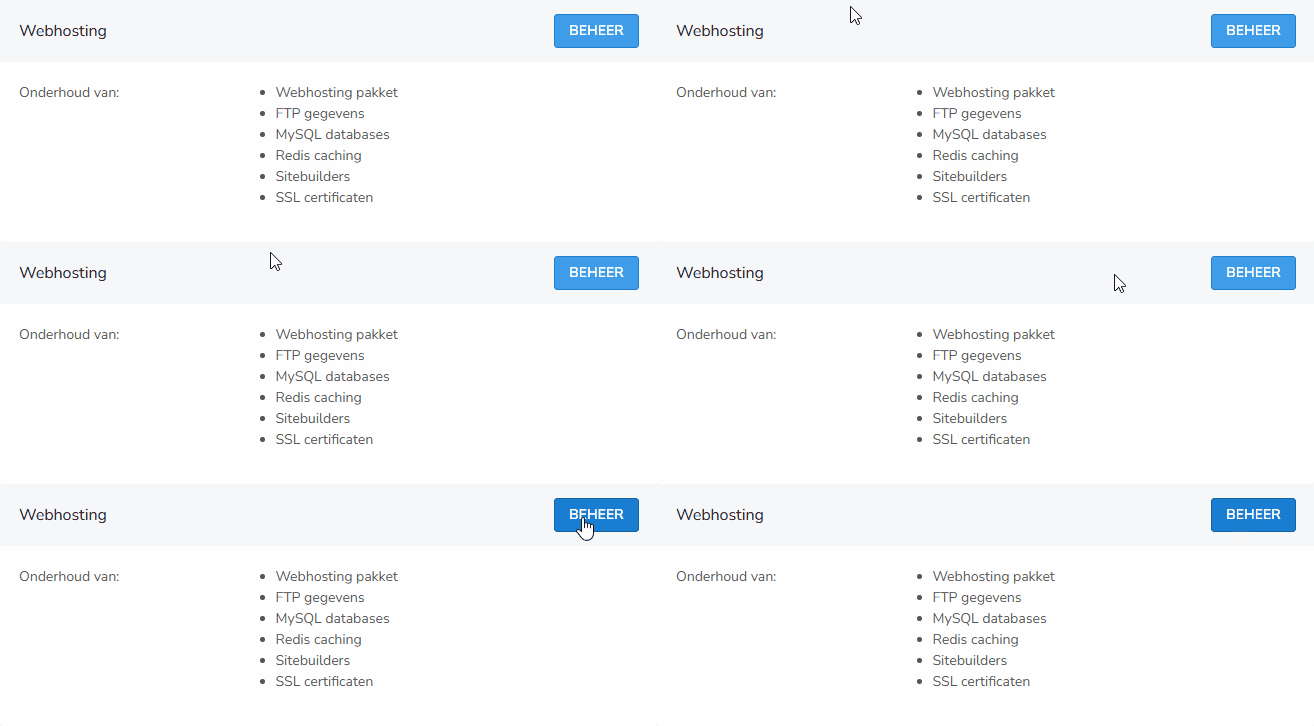
3. Choose to adjust the package On the overview page of your hosting package, click ‘Adjust the package’.

4. Select your new package At the top of the next page, you'll see your current package. Under ‘Package’, choose a new package from the dropdown menu.
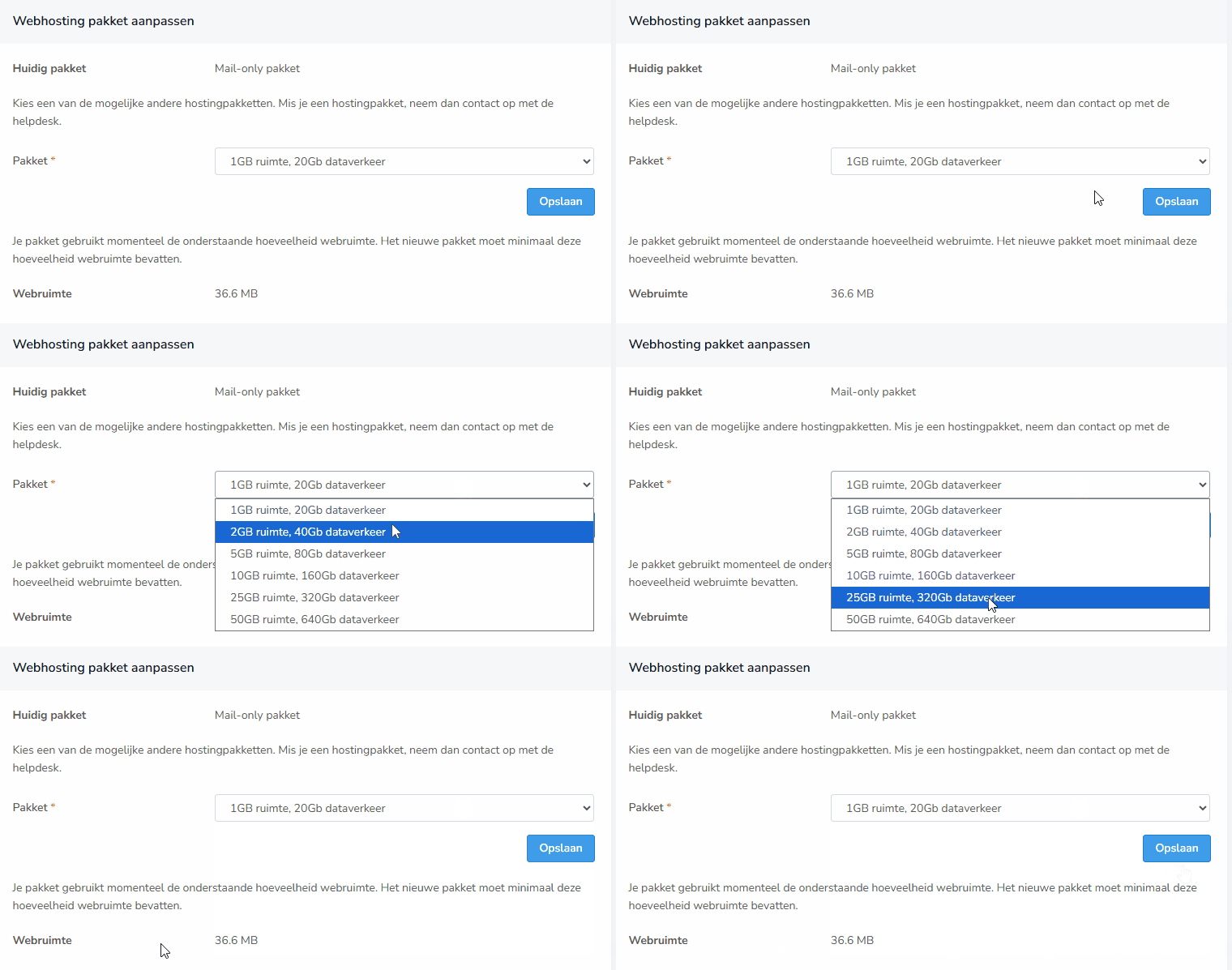
On this page, you can also immediately see how much web space you're currently using. This makes it easy to determine which package suits you best.
5. Confirm the change Have you selected the desired package? Click save to activate the package immediately.
Important to know
- Changes usually take effect immediately or within a short time
- With an upgrade, you immediately get more space and options
- With a downgrade, it's important that your current usage fits within the new limits
- Any price changes are processed automatically
Questions about your hosting package?
Do you need help adjusting your hosting package? Feel free to contact the bHosted helpdesk.