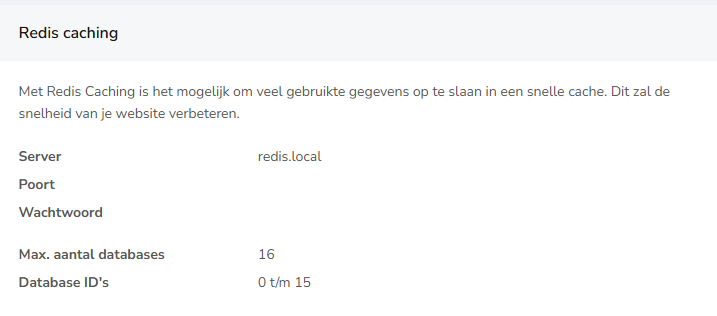
Do you want to set up Redis Caching on your website, for example for WordPress? Then you need the Redis connection details. You can easily find these in the bHosted customer panel.
Follow these steps:
Step 1: Log in to mijn.bhosted.nl
Go to mijn.bhosted.nl and log in with your account details.
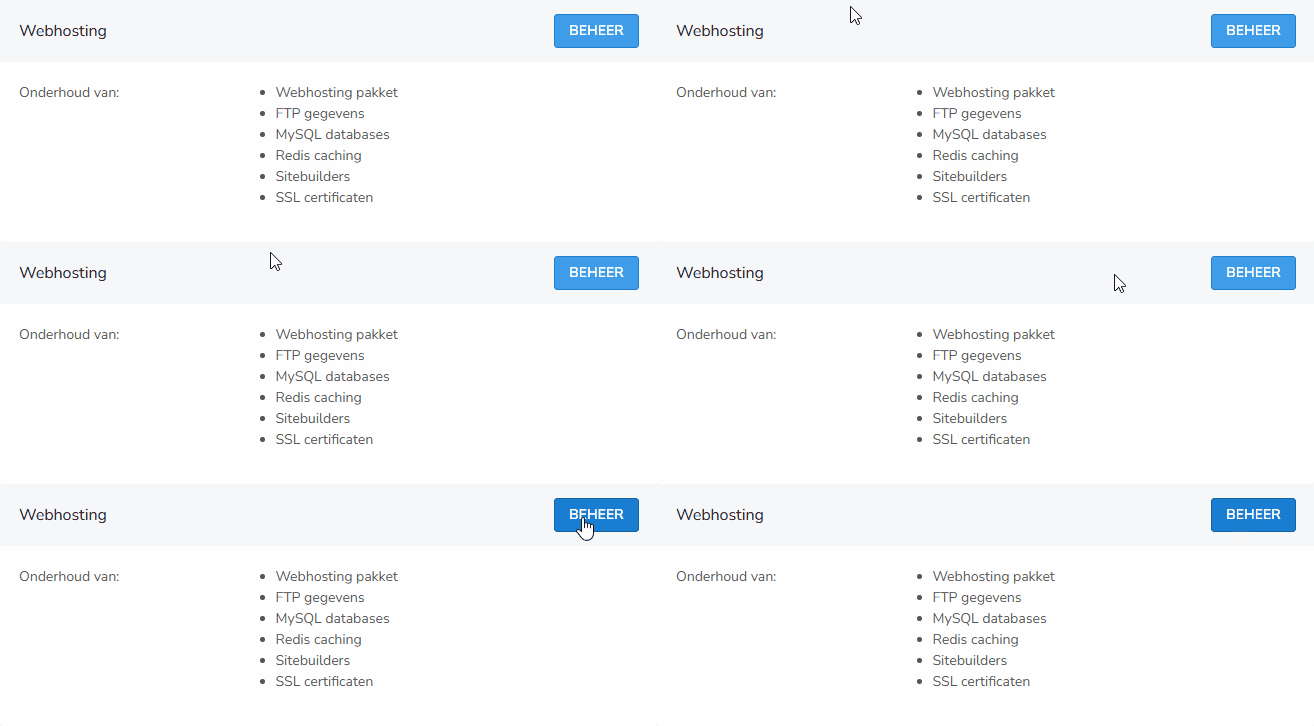
Step 2: Go to Web hosting
Click the blue manage button next to web hosting:
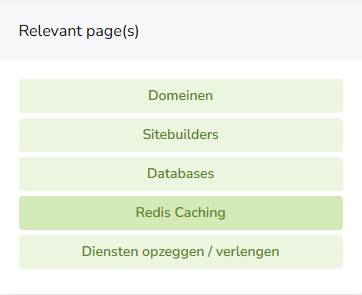
Then, on the right under Relevant pages, choose Redis Caching:
Haven't created a Redis cache yet? Click on Create a redis cache:

After that, you'll immediately see the details you need:
Do you still have questions about this? Feel free to contact our helpdesk!