1. Log in to your account
Go to https://mijn.bhosted.nl and log in with your username and password.
2. Check the User
First check with the user whether enough domains are allowed to be created. Here's how: on the main page, select the Directadmin Panel at the top left.
Under Reseller, select List Users:
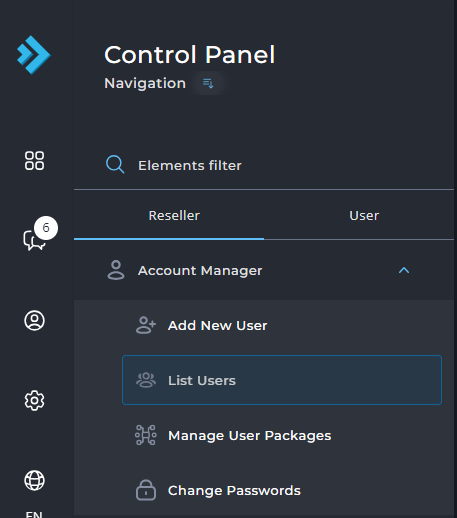
Click through on a username, and select Modify user at the top right:

On this page, adjust the number of domains under domains. This is the number of domains you are allowed to link to this user:

3. Go to domain management
Go back to the control panel (https://mijn.bhosted.nl). In the control panel, click on "Manage" next to "Domains" on the right.
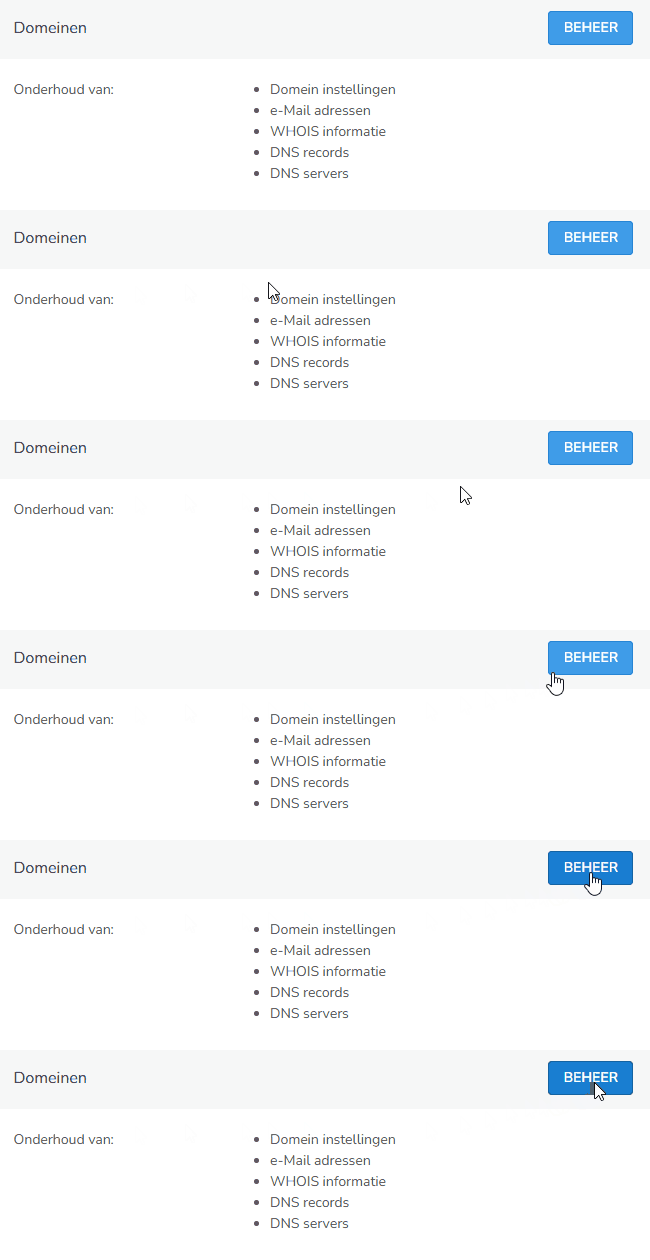
4. Choose the right domain
Select the domain for which you want to create a subdomain.
Then click on "(Sub)domain hosting" on the right.
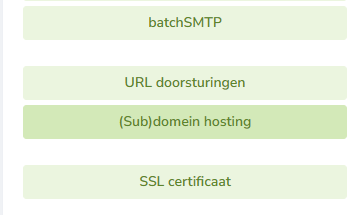
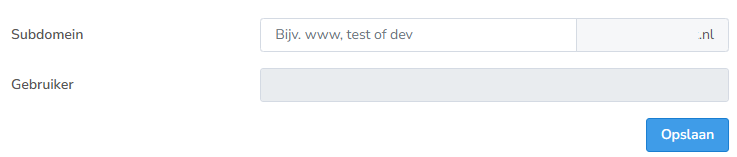
5. Enter your subdomain
Enter the desired subdomain, for example: test.yourdomainname.nl
Here you can also immediately see which user the subdomain will be added to. Then click on "Save".
What happens automatically?
Once you have created the subdomain, bHosted takes care of the rest for you:
- A folder structure is automatically created in DirectAdmin
- The correct DNS settings (A records) are added
- Your subdomain is immediately technically active
Important to know
It can take up to approximately 60 minutes for the DNS to be updated worldwide. After that, your subdomain is fully accessible and ready for use.
Questions about subdomains?
Do you have questions or are you unable to create a subdomain? Feel free to contact the bHosted helpdesk. We're happy to help.