As a reseller, you can easily add domain names within your account. Which option you choose when adding a domain depends on your situation.
You have the following options:
- New registration
- Transfer to bHosted
- External domain hosting
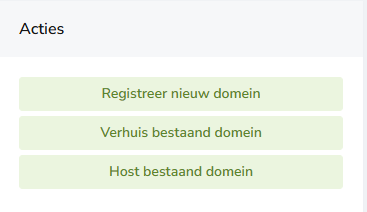
Please note: a domain name is not automatically added to DirectAdmin. You need to manually link it to a user within your reseller account.
Linking a domain name to a user
Have you added a domain name? Then you need to link it to a user.
Here's how:
-
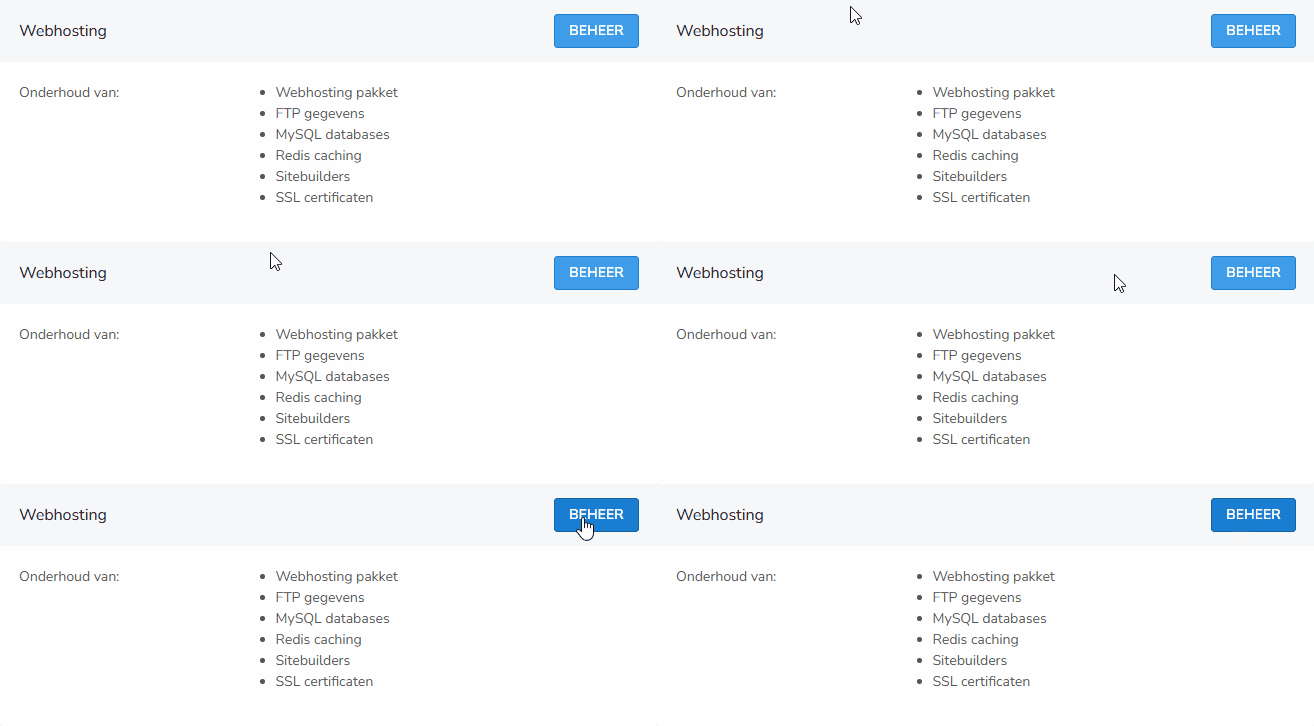
In the control panel, on the right-hand side under "Domains", click "Manage".
-
Click on the domain name you want to link.
-
On the right, click through to Create (Sub)domain.
-
Under user, select the correct user.
-
Save the change.
Done! The domain name is now linked to the user you selected.
Important
- Check whether the user's package allows multiple domains.
- If not, you won't be able to add the domain.
- Opting for an external domain? Make sure you set up the DNS correctly.
Questions about your reseller account?
Do you have questions, or are you having trouble linking a domain to a user? Feel free to contact bHosted's helpdesk. We're happy to help.