Do you want to set up or adjust a quota for your mailbox? You can easily do this via the DirectAdmin control panel. It doesn't matter whether you use POP3 or IMAP to read your email.
Logging in and opening DirectAdmin
Follow these steps to open DirectAdmin:
1. Log in to the control panel
Go to: mijn.bhosted.nl
Log in with your username and password.
2. Open DirectAdmin
- Click on DirectAdmin Panel in the menu
- You will be automatically redirected to DirectAdmin

Go to email accounts in DirectAdmin
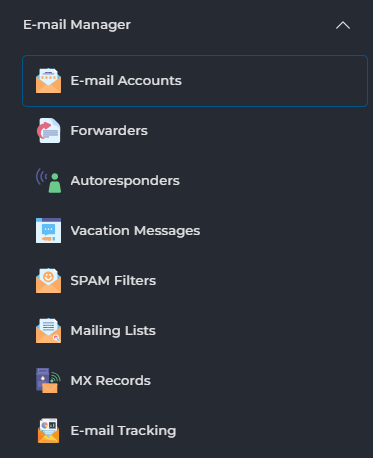
In DirectAdmin, go to E-mail Manager and click on E-mail Accounts:
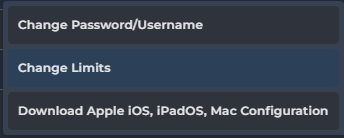
Then click on the 3 dots behind the email address:

Choose Change Limits.
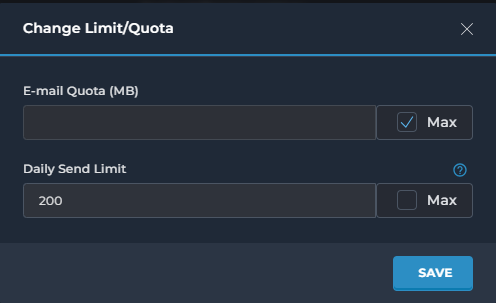
Here you adjust the quota to the number of MB you want to set. You can also check max, which makes it unlimited, allowing the email address in question to use all remaining space within your hosting package as storage:
Need help?
Can't figure it out? Then contact our helpdesk. We're happy to help you further.