Within a reseller account, you manage the users and the packages linked to those users yourself. In this article, we show you how to easily create a package yourself.
To create a package, first click through from the control panel to the DirectAdmin panel:

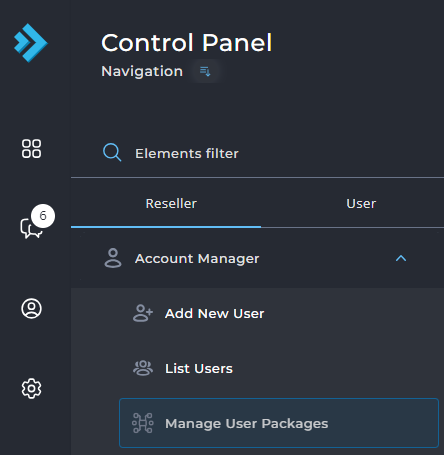
Then, under Reseller, choose Manage User Packages:
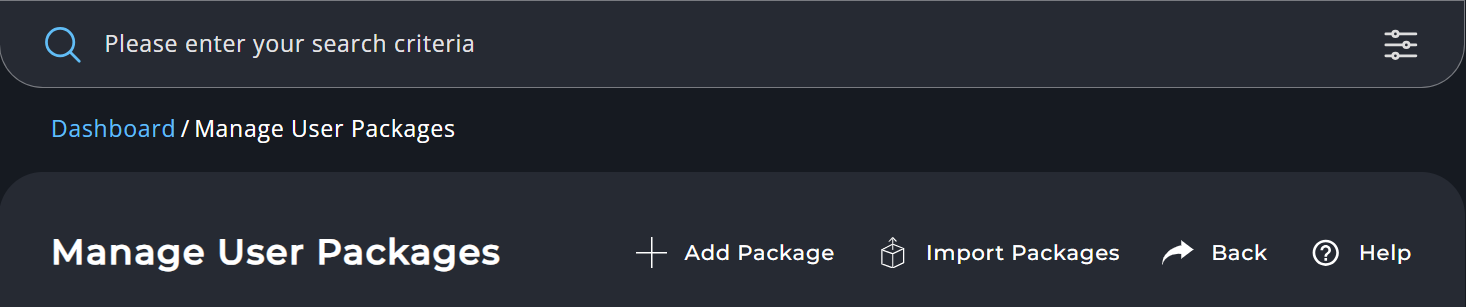
On the next screen, click Add Package in the top right corner:
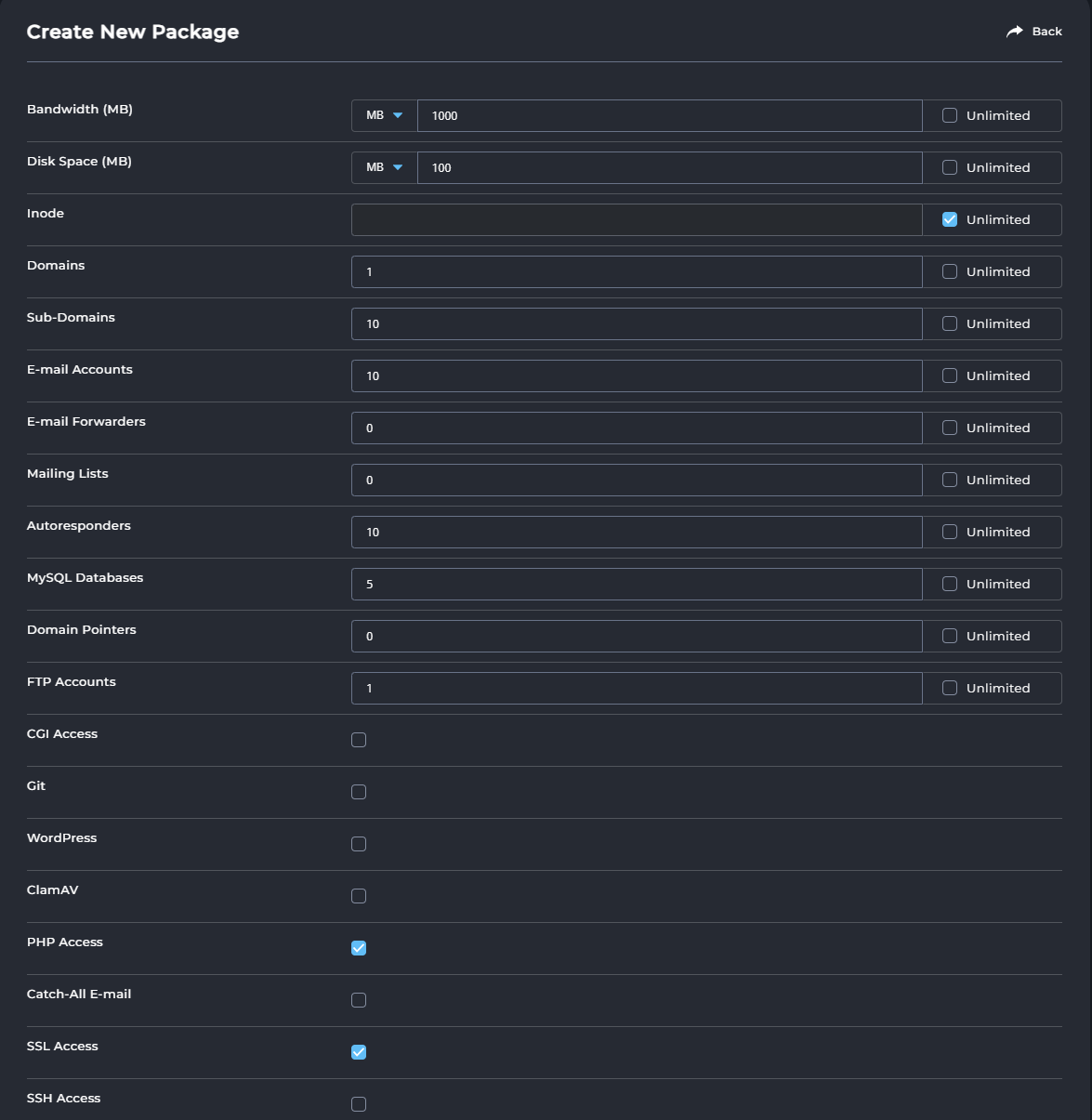
Now you'll see all the settings you can adjust. Think of things like the size of the package and the amount of bandwidth, the number of domain names and subdomains that can be added, whether SSH access is possible within this package, and how many email forwardings you can create:
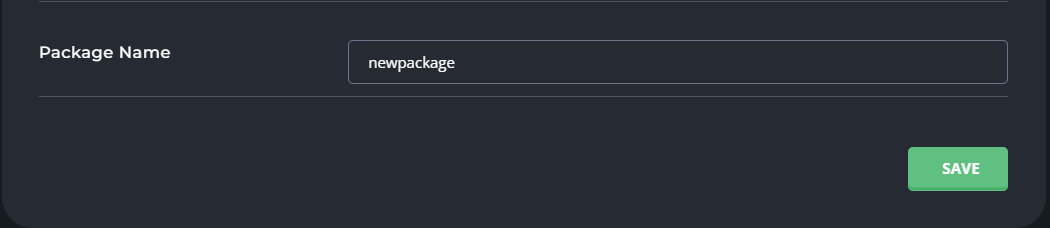
At the very bottom of the page, enter the name of the package. Then click Save and your package is created immediately: