Do you want to change the email address of your account or set where your invoices are sent? You can easily arrange this via the client panel.
Step-by-step changes
-
Log in to your account Go to bHosted.nl and log in with your account details.
-
Click on your name in the top right Click on your name to open the account menu.
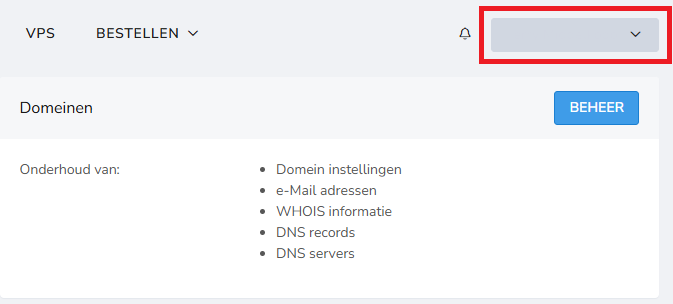
-
Click on "Email" Choose "Email" in the menu. You will now be on the page where you manage your email settings.
Which email addresses can you set?
On this page you can fill in several email addresses:
General email address
- This is the primary email address of your account.
- You will receive general communication here, such as notifications and updates.
Administrative email address
- Use this email address for invoices and administrative messages.
- You can enter a different address here than your general email address, for example that of your accountant.
Saving changes
Have you entered or changed the desired email addresses? Then click "Save" to apply the changes.
Important to know
- Make sure both email addresses are filled in correctly.
- Preferably use an email address that you check regularly.
- The administrative email address is important to receive your invoices on time.