Would you rather use a different mail server than the one from bHosted? That's possible! You can adjust the MX and SPF record of your domain name via the DNS editor.
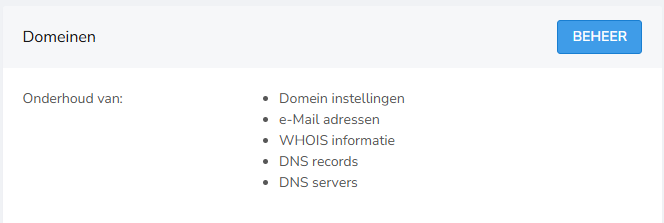
You can find the DNS editor as follows: on the right, under domains, choose manage.
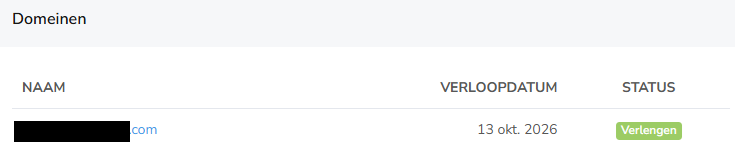
In the next screen, click on the domain for which you want to make the change:
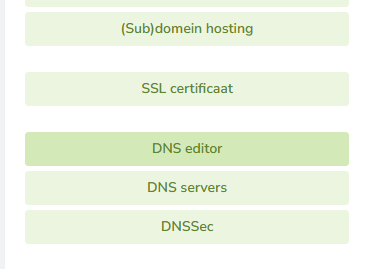
Then, on the right, choose DNS editor:
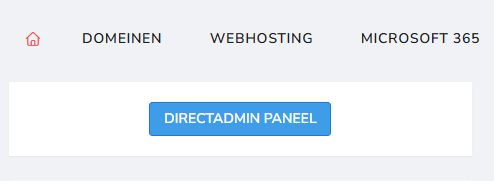
Once you've set this up, you also need to indicate within DirectAdmin that our mail server no longer needs to be used. Go back to the main screen by clicking the house icon in the top left:

Then choose DirectAdmin panel there:
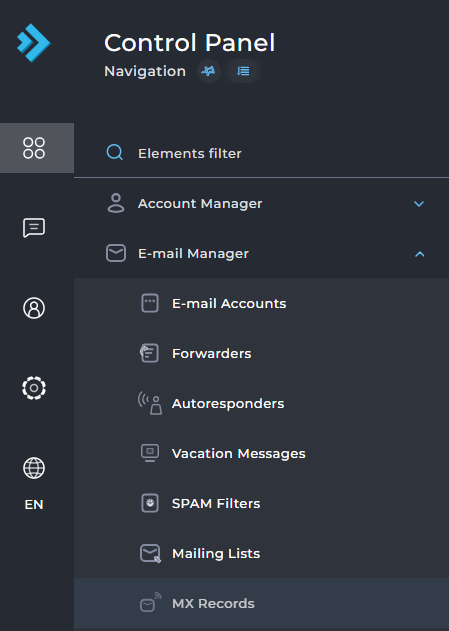
Do you only have one domain? Then you'll immediately see the settings for that domain. If you have multiple domain names, first click on the correct one. On this page, under E-mail Manager on the left, choose MX records:
Uncheck the box under Options here, so that our mail server is no longer used:

Can't quite figure it out, or do you still have questions? Feel free to contact our helpdesk.