Changing your WordPress login details is easy to do via the control panel. Below you'll find out how.
Changing login details via DirectAdmin
- Go to https://mijn.bhosted.nl
- Log in with your username and password
- Click the Directadmin Paneel button in the main menu
In DirectAdmin, continue as follows:
-
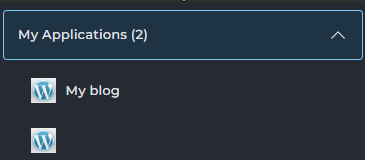
Under My Applications, click your WordPress installation
-
On the next page, select the Settings tab:

-
Then, in the menu on the right, select Application
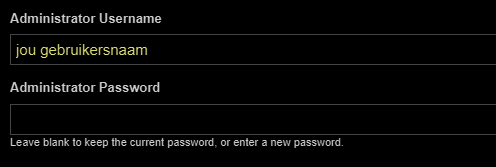
On this page you'll see the Administrator Username and the Administrator Password: these are the username and password you use to log in to WordPress. Here you can easily change them to a new username and a new password:
Logging in with your new details
Have you changed your details? From now on, log in via:
https://jouwdomein.nl/wp-admin
Use your new login details to do so.
Not working?
Check whether you've selected the correct installation, or try resetting your password.
Still having trouble? Feel free to contact the bHosted helpdesk.