In DirectAdmin, you can easily see how much space your mailboxes take up on our servers. First, log in to the DirectAdmin control panel.
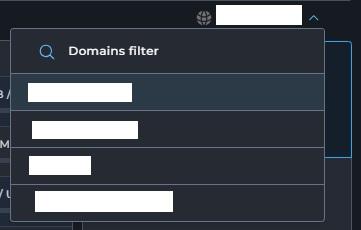
Do you have multiple domain names within your account? Then first click on the domain whose email you want to view. You can do this by clicking on one of your domain names in the top right corner and selecting the correct domain there:
Do you only have one domain? Then you're already on the right page.
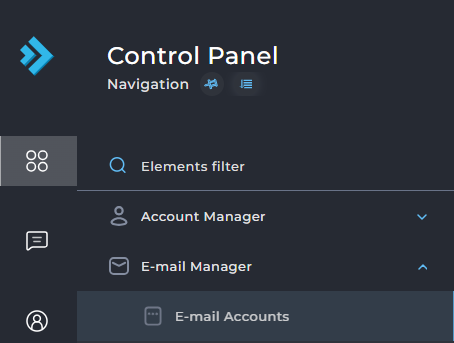
Next, select Email Accounts under Email Manager in the bottom left:
Under "usage" you can directly see how much data is stored in a particular mailbox.