You can easily create a forward within DirectAdmin. Below you'll find a step-by-step explanation of how it works.
Logging in at bHosted
Go to https://mijn.bhosted.nl and log in with your username and password. Then click through to the DirectAdmin control panel.
Creating a forward
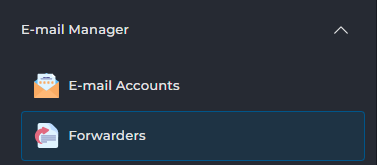
In DirectAdmin, on the left side under E-mail Manager, click on Forwarders:
At the top right, choose + Create E-mail Forwarder:

In the window that opens, enter the e-mail address you want to forward in the New Forwarder name field (only the part to the left of @).

Then click the Add button:

For destination, choose E-mail.
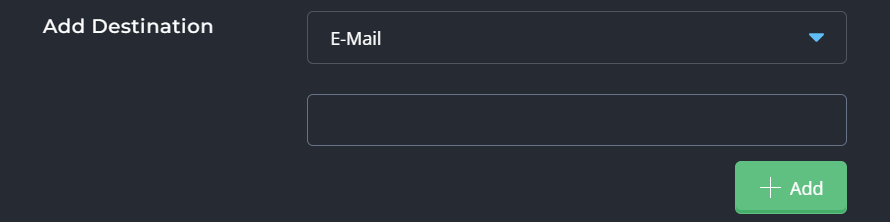
In the field below, enter the full e-mail address to which the mail should be forwarded. Again, click the Add button.
Have you filled in both fields? Then click Create to finalize the forward.

Important to know
- An e-mail forward automatically sends messages to another e-mail address.
- You don't need a separate mailbox for a forward.
- You can set multiple e-mail addresses as recipients of the forward.
- Is there no mailbox or forward set up? Then the e-mail will not be received.
- Are you using both a mailbox and a forward? Then the e-mail will be both stored and forwarded.
Having trouble setting it up?
If setting it up doesn't quite work out, feel free to contact the bHosted helpdesk, we're happy to help.