DKIM (DomainKeys Identified Mail) ensures that your outgoing emails are digitally signed. This allows receiving mail servers to verify that a message was genuinely sent on behalf of your domain name. This makes your email more trustworthy and prevents messages from being marked as spam.
In this article, we'll show you how to easily generate a DKIM record for your domain name.
Logging in to mijn.bHosted.nl
First, log in to mijn.bHosted.nl with your account details.
After logging in, click the Manage button on the right next to Domains.
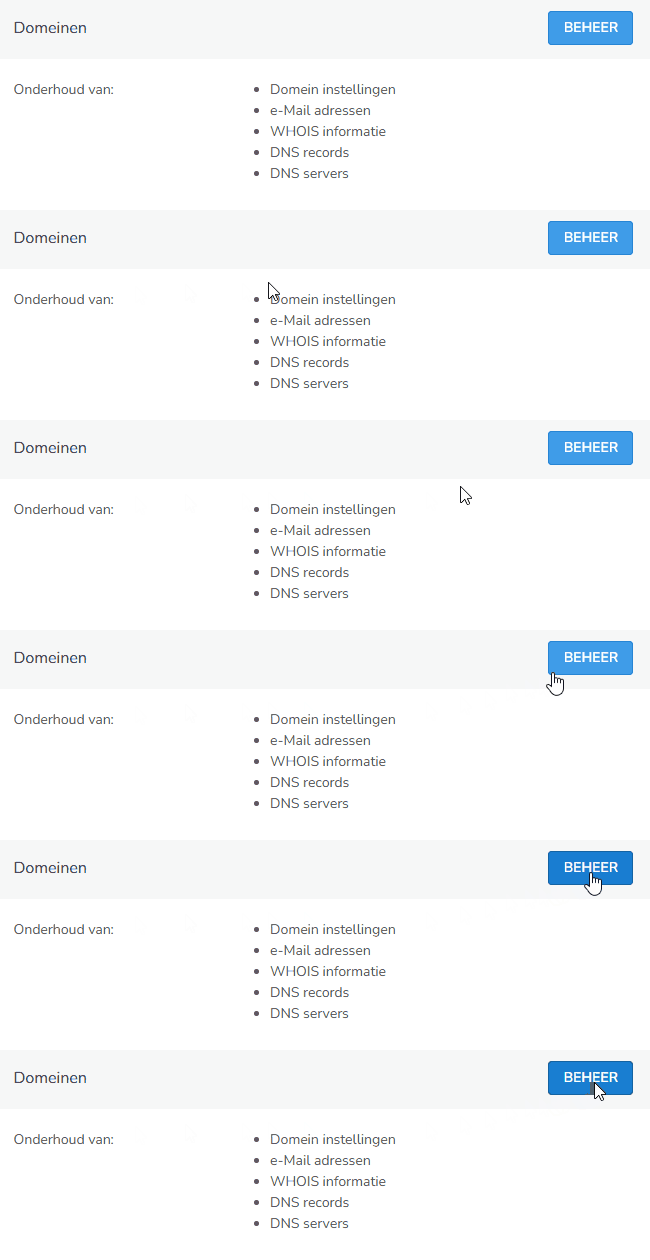
Opening the desired domain name
You will now see an overview of all domains in your account.
Click on the domain name for which you want to generate a DKIM record.
Opening DKIM settings
On the right, select DKIM settings.

Generating a DKIM record
In the bottom right, under Actions, you'll find the Generate DKIM option.
Click on it and a DKIM record for the domain will be created immediately.
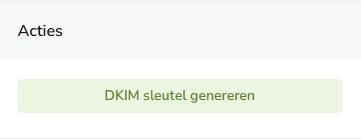
After generating, we automatically add the DKIM record to the DNS zone of your domain name. You don't need to manually create any DNS records yourself.
Good to know
- The DKIM record is automatically added to the DNS zone of your domain name.
- After creation, depending on DNS propagation, it may take a while before the record is active worldwide.
- DKIM works best in combination with a correct SPF record and a DMARC record, for optimal email security.
- If you generate a new DKIM key, it will automatically replace the existing key for the domain.