You can easily create a new email address via the control panel or the DirectAdmin control panel. It doesn't matter whether you later use POP3 or IMAP to read your email: both methods work fine.
Via the control panel:
Go to: mijn.bhosted.nl
Log in with your username and password.
Are you logged in? Then click on Manage at the top right next to Domains:
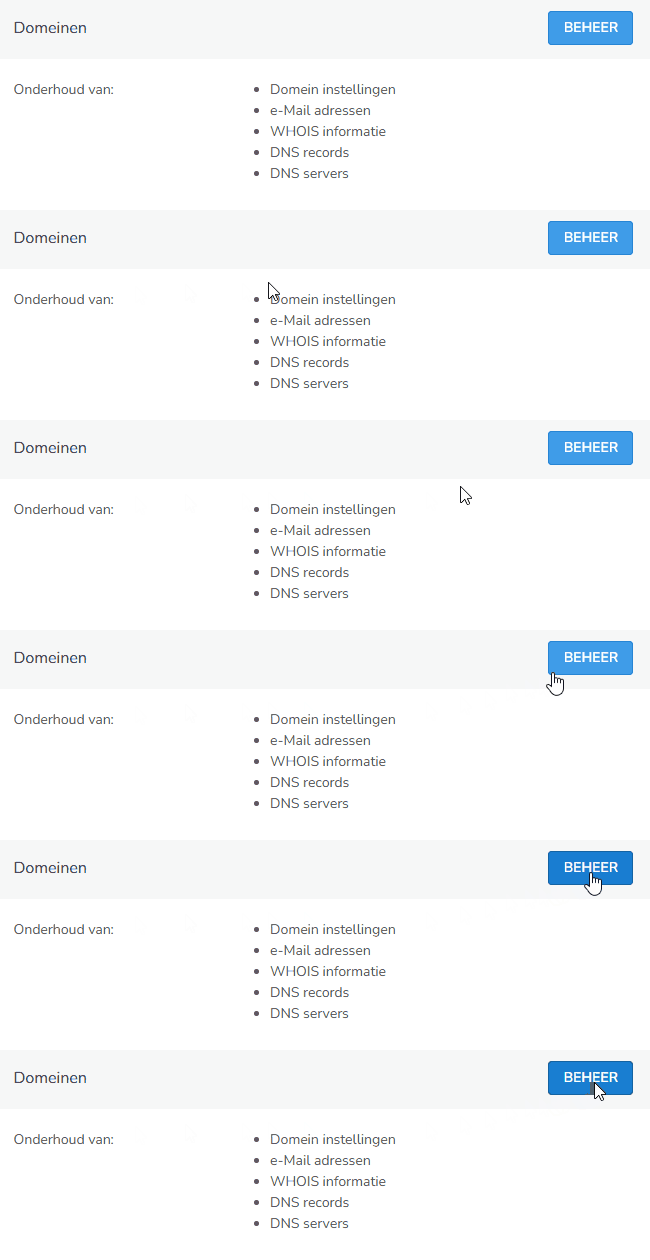
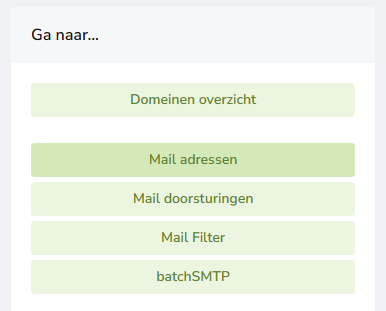
In the next screen, choose the domain under which you want to create an email address. Then click on Mail addresses on the right:
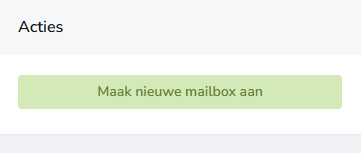
Then choose Create new mailbox under Actions:
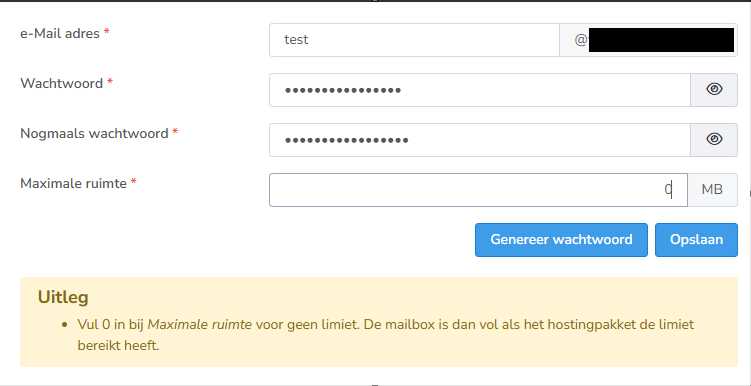
Now fill in the details for the mailbox: which email address you want, which password goes with it, and whether you want to set a quota (maximum space).
The following conditions apply to the password: At least 10 characters long, with at least 1 uppercase letter, 1 lowercase letter, 1 number and 1 special character.
Don't want to set a quota? Then enter 0 for maximum space.
Would you rather not come up with your own password? Then click on generate password and bHosted will automatically create one for you:
Via DirectAdmin:
- Click on DirectAdmin Panel in the main menu.
- You will be redirected directly to DirectAdmin.
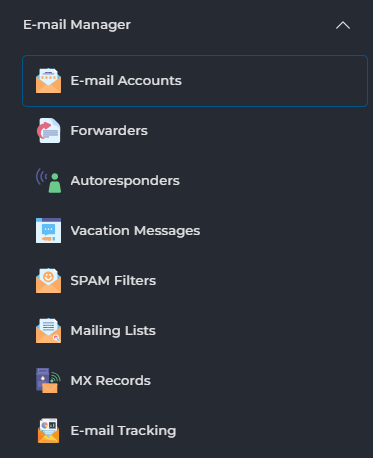
Here, under E-mail Manager on the right, choose E-mail Accounts:
Then click on Create Account under Actions on the right:
Here, enter what should come before the @ and choose a password. Don't want to set a limit or quota on the mailbox? Then set it to max:
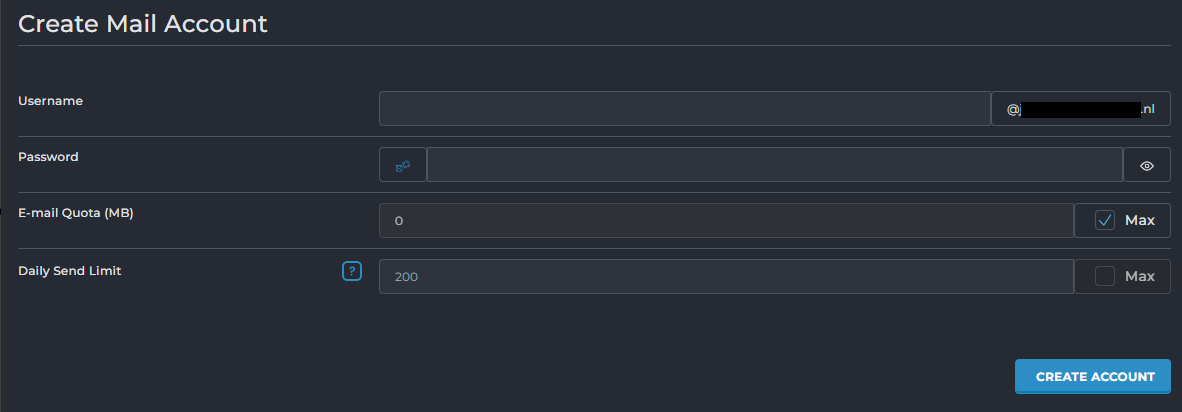
Click on Create account at the bottom to create the mailbox.
Problems creating one?
Are you unable to create an email address? Feel free to contact the bHosted helpdesk. We're happy to help.