Have you linked an SSL certificate to your website, but do you see this message as soon as you open the secure website (with https:// instead of http://)?
Welcome to <domainname> to change this page, upload a new index.html to your private_html folder.
This happens because the secure website is served from a different folder than the unsecure website: private_html instead of public_html.
Do you want the secure and unsecure version of your website to show the same content? Then log in to the control panel and click through to the DirectAdmin control panel.
In DirectAdmin, on the left, under Account Manager, choose Domain Setup:
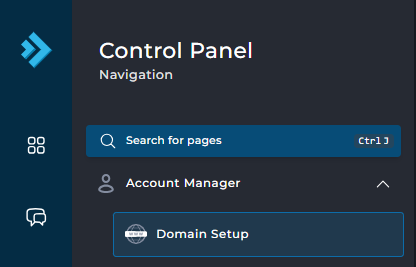
Then click on the domain on the right for which you want to make the change.
On the next screen, at the top right, choose Setup symlink for private_html:
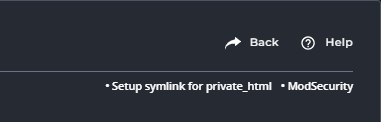
On the screen that appears next, click on Confirm:
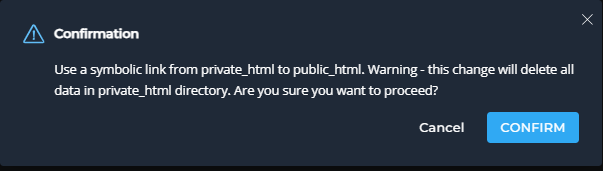
Done! The symlink has now been created and the issue has been resolved.