Are you receiving a notification that the SSL certificate from Let's Encrypt can no longer be automatically renewed? In most cases, this means the DNS of that domain no longer points to our server. This can happen because the DNS has been changed, or because the domain is now hosted with another provider.
In that case, you can easily disable automatic renewal of that certificate with us. Here's how:
First log in to the DirectAdmin control panel.
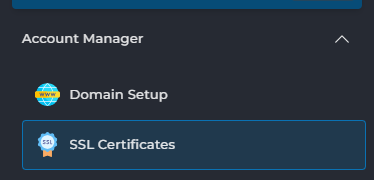
Under Account Manager on the left, choose SSL Certificates:
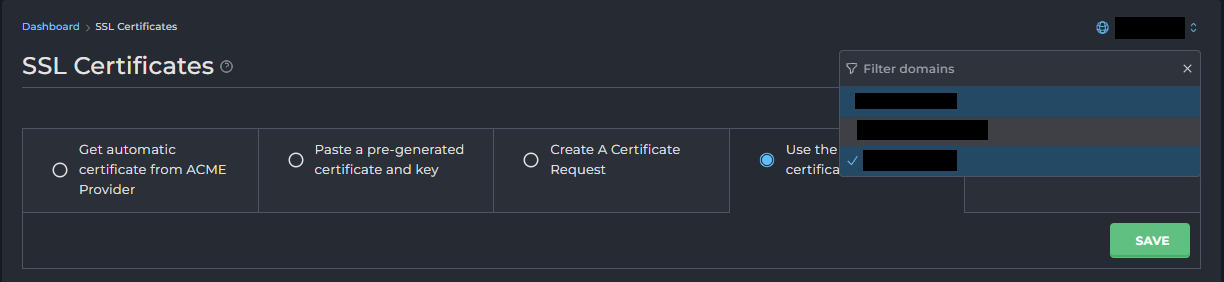
Select the correct domain in the top right:
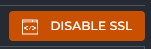
Below that, choose Disable SSL:
The SSL certificate on our server is now disabled and will no longer be automatically renewed. This means you will no longer receive the notifications either!