Sometimes it's handy to download a copy of the DNS zone of your domain name. For example, if you want to make a backup, check your DNS settings, or import the zone at another DNS provider.
In this article, we'll show you how to easily download the DNS zone file of your domain name.
Logging in to mijn.bHosted.nl
First, log in to mijn.bHosted.nl with your account details.
After logging in, click the manage button on the right next to domains.
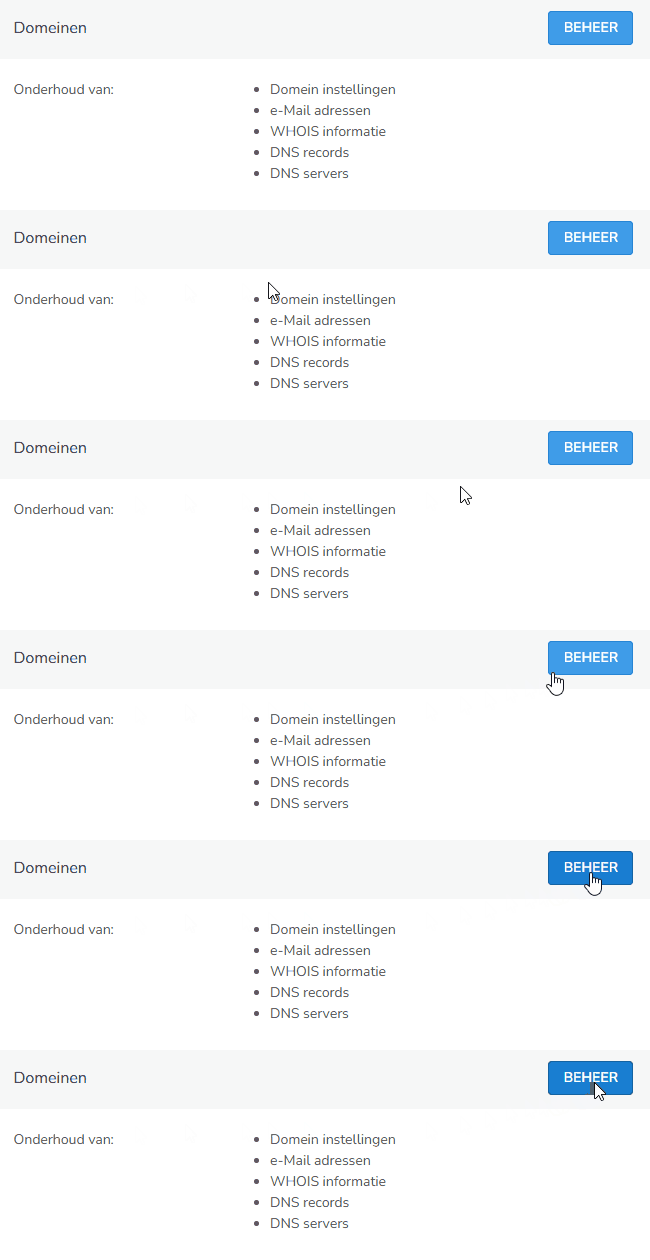
Opening the desired domain name
You will now see an overview of all domains in your account. Click on the domain name for which you want to download the DNS zone file.
Downloading the DNS zone file
In the bottom right under actions, you'll find the option Download DNS zone file.
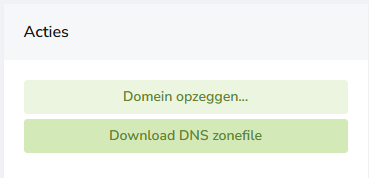
Click on this and you will immediately download the DNS zone file of the domain. This file contains all DNS records that are currently set for the domain name.
Good to know
- The downloaded zone file contains the current DNS configuration of your domain name.
- You can use the zone file as a backup or to migrate your DNS settings to another environment.
- If you later make changes to your DNS, download a new zone file if you want to keep an up-to-date backup.
- After an import, always check that all DNS records have been correctly transferred.
Can't figure it out?
Can't download the zone file, or are you running into problems? Feel free to contact the bHosted helpdesk. We're happy to help you further.