Sometimes it's useful to give an external party access to the DNS settings of one or more domain names, without giving that party full access to your customer panel mijn.bHosted.nl.
You can easily arrange this by creating a separate user for DNSeditor.nl. You decide yourself which domains this user has access to.
In this article we explain how to quickly and easily create a user for DNSeditor.nl.
Logging in to mijn.bHosted.nl
First log in to mijn.bHosted.nl with your account details.
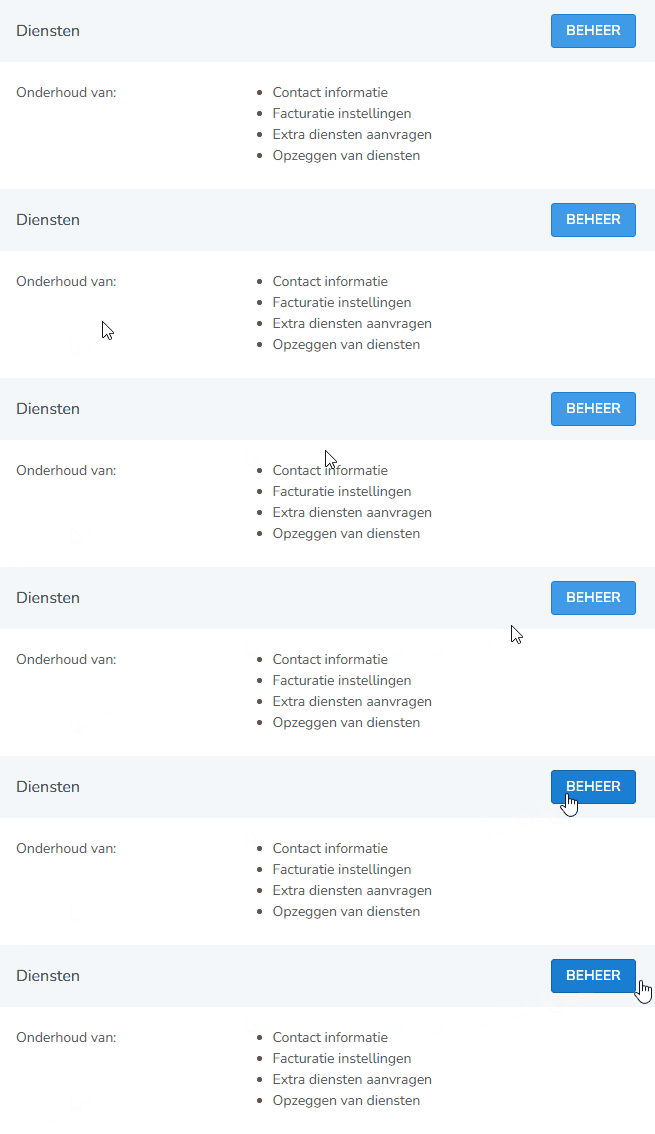
After logging in, click on the Manage button next to Services.
Opening Logins
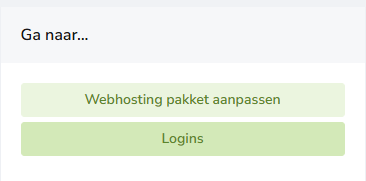
On the right, next to Go to, choose Logins:
Creating a new login
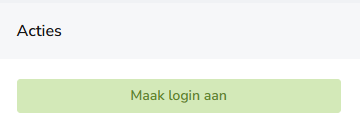
On the right, under Actions, you'll find the option Create login.
Click on this to create a new DNSeditor user.
Filling in the details
Enter the desired Login and First name.
Then select the domain name or domain names for which this user may manage the DNS records.
Finally, click Save.
Noting the password
Once the user has been created, a password will automatically be shown to you.
Keep this password safe. With this password and the created login, the user can log in to DNSeditor.nl:
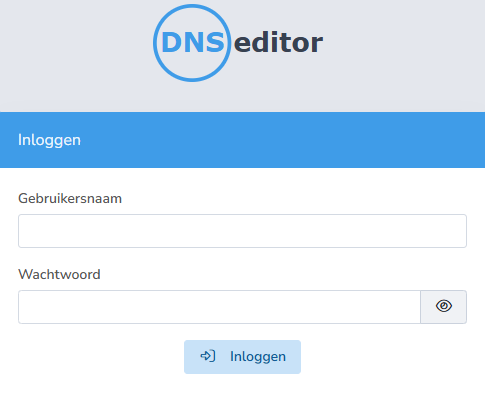
Via DNSeditor.nl, this user can only manage the DNS records of the domains you have assigned to the login.
Good to know
- A DNSeditor user only has access to the assigned domains.
- The user does not get access to mijn.bHosted.nl or other parts of the customer panel.
- You can add or remove domains from an existing login at any time.
- This feature is ideal when a web developer, system administrator or other external party needs to temporarily manage DNS records, without access to the rest of your account.
Editing/deleting a user
Want to change the password or no longer need a user? Go back to Services > Manage and click on Logins again on the right.
Click the pencil icon next to a user to edit the details, or choose the magnifying glass icon:
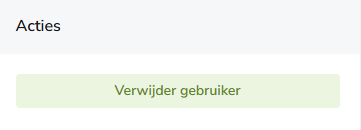
There, under Actions, you can optionally choose Delete user:
Can't figure it out?
Having trouble creating a login, or running into something else? Feel free to contact bHosted's helpdesk. We're happy to help.