Do you want to transfer your domain name to another provider? Then you'll need a transfer code (also called a token). Below we'll show you step by step how to find this code in the bHosted control panel.
Logging in to the control panel
To request the transfer code, first log in to the control panel: https://mijn.bhosted.nl
Log in with your username (login) and password.
Navigating to your domain
Are you logged in? Then follow these steps:
- Under Domains, click Manage
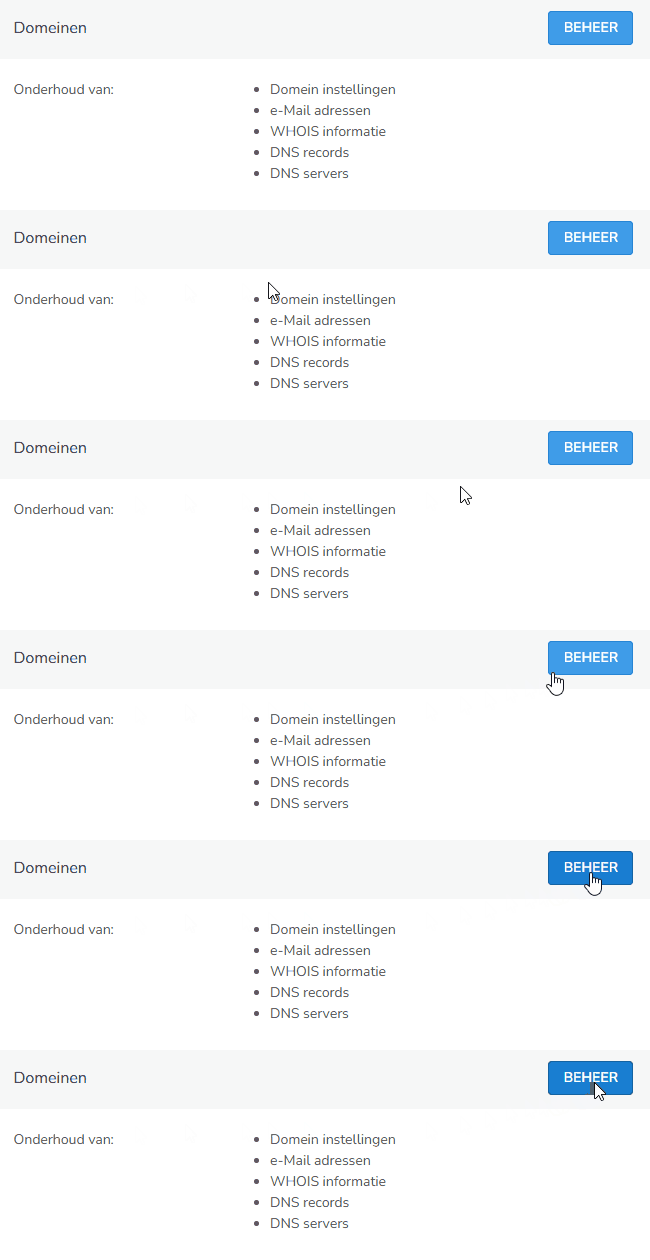
- On the next page, select the domain for which you want to request the transfer code
Requesting the transfer code
Have you opened the correct domain? Then do the following:
-
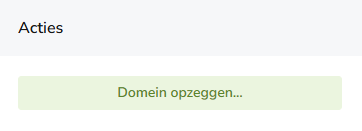
On the right, under Actions, choose Cancel domain
-
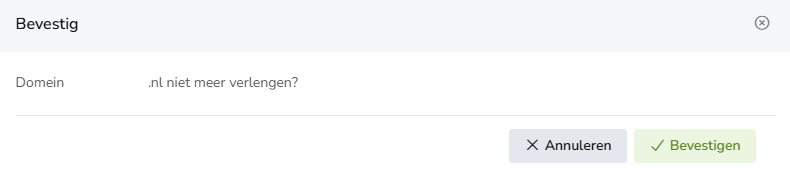
On the next screen, choose confirm
-
On the left, next to Transfer key, you will now see the transfer code (token) for your domain
Please note: on this page you will also see your domain's expiration date, next to "paid until". After that date, the domain name will be terminated.
What do you need for the transfer?
To transfer your domain, you only need the following information:
- The transfer code (token)
- The domain name
You provide this information to your new provider to start the transfer.
Important tips
- Copy the transfer code exactly as shown
- Use the code as soon as possible (some tokens are only valid temporarily)
- Check that your domain is not locked
Can't find the transfer code?
If you're unable to find the transfer code, or it doesn't work, feel free to contact the bHosted helpdesk. We're happy to help you further.