Want to upload files to your website via FTP? Then you need the right FTP details. You can easily find them in the control panel.
Step-by-step: finding FTP details
1. Log in to your account Go to https://mijn.bhosted.nl and log in with your username and password.
2. Go to web hosting In the control panel, next to 'Web hosting', click 'Manage'.
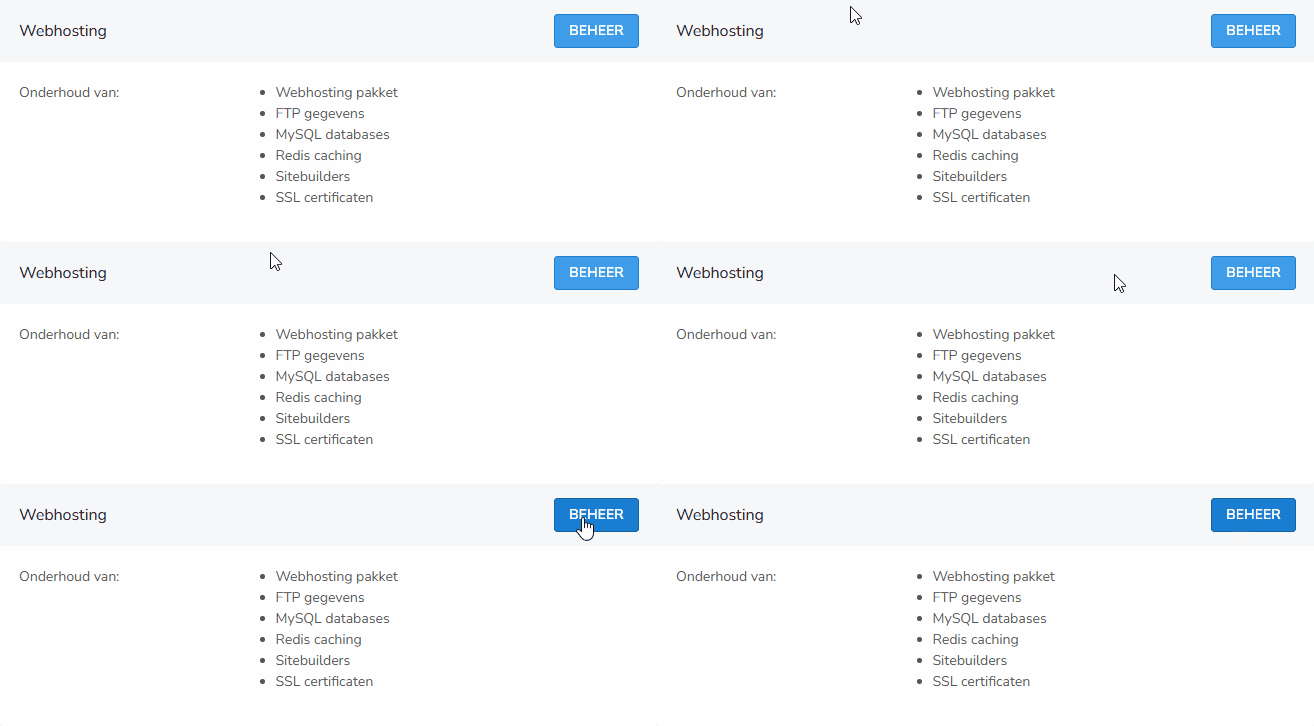
3. View the FTP details You will now be on the overview page of your hosting package. Scroll down the page.
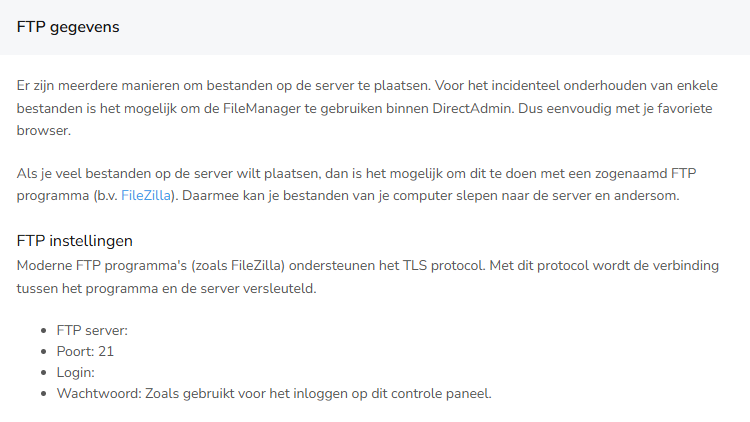
Under the heading 'FTP details' you will find all the information you need, such as:
- Host name / server
- Username
- Password
- Port (if applicable)
Important to know
- Use these details in an FTP program, such as FileZilla
- Handle your login details carefully and do not share them with anyone
- Can't connect? Check that you have entered the details correctly
Questions about FTP?
Need help finding or using your FTP details? Feel free to contact bHosted's helpdesk.