Sometimes the spam filter accidentally blocks a legitimate email. Fortunately, you can easily view these messages in the bHosted control panel and either release or delete them.
Step 1: Log in to the control panel
Go to the control panel via: https://mijn.bhosted.nl
Log in with your username and password.
Step 2: Go to domain management
-
Click Manage next to Domains on the right
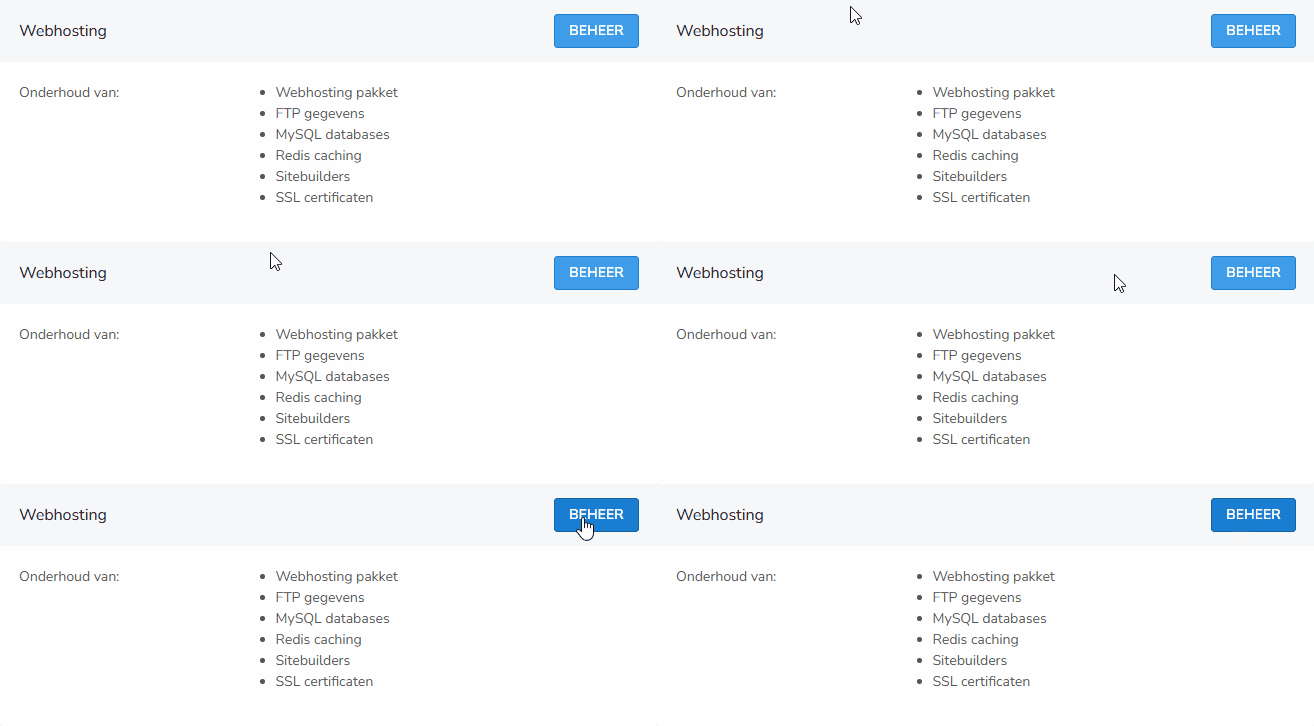
-
Select the domain for which you want to view the blocked emails
Step 3: View blocked emails
On the right side of the page, you will see the Blocked mail option.

Click on it to immediately see an overview of all emails blocked by the spam filter.
Step 4: Release or delete emails
In this overview you can:
- Select emails by checking the checkbox
- At the bottom, choose what to do with the selected messages:
-
Forward (the email will still be delivered)
-
Delete (the email will be permanently deleted)

-
Tips
- Check your blocked emails regularly so you never miss important messages
- Don't know the sender? Be careful with releasing it, as it could be phishing or spam
Questions or issues?
Can't figure it out or unsure about an email? Feel free to contact the bHosted helpdesk. We're happy to help.