Do you want to know from which locations your account has been logged into? In the bHosted control panel, you can easily view your login history, including the IP addresses used.
Go to: https://mijn.bhosted.nl Log in with your username and password.
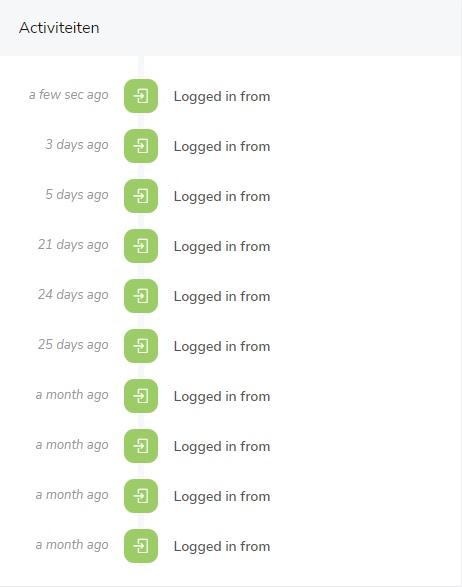
After logging in, you'll see a column on the left with all your activities. Here you can see, for example:
- IP addresses from which logins occurred
- Time indication of these login attempts
Why is this important?
By checking your login activity, you can:
- Recognize unknown or suspicious logins
- See if someone else has had access to your account
- Better secure your account
What should you do if you notice suspicious activity?
Do you see an IP address or login moment that you don't recognize? Take action right away:
- Change your password
- Check your account details
- Contact the bHosted helpdesk
Tips for extra security
- Use a strong and unique password
- Change your password regularly
- Use 2-factor authentication, if available
With this feature, you can easily keep control over the security of your bHosted account yourself.