You can access the Sitebuilder via the bHosted control panel: https://mijn.bhosted.nl
On this page you log in directly with your username (login) and password.
Logging in and going to the Sitebuilder
This is how you open the Sitebuilder via the control panel:
-
Click Manage next to Webhosting
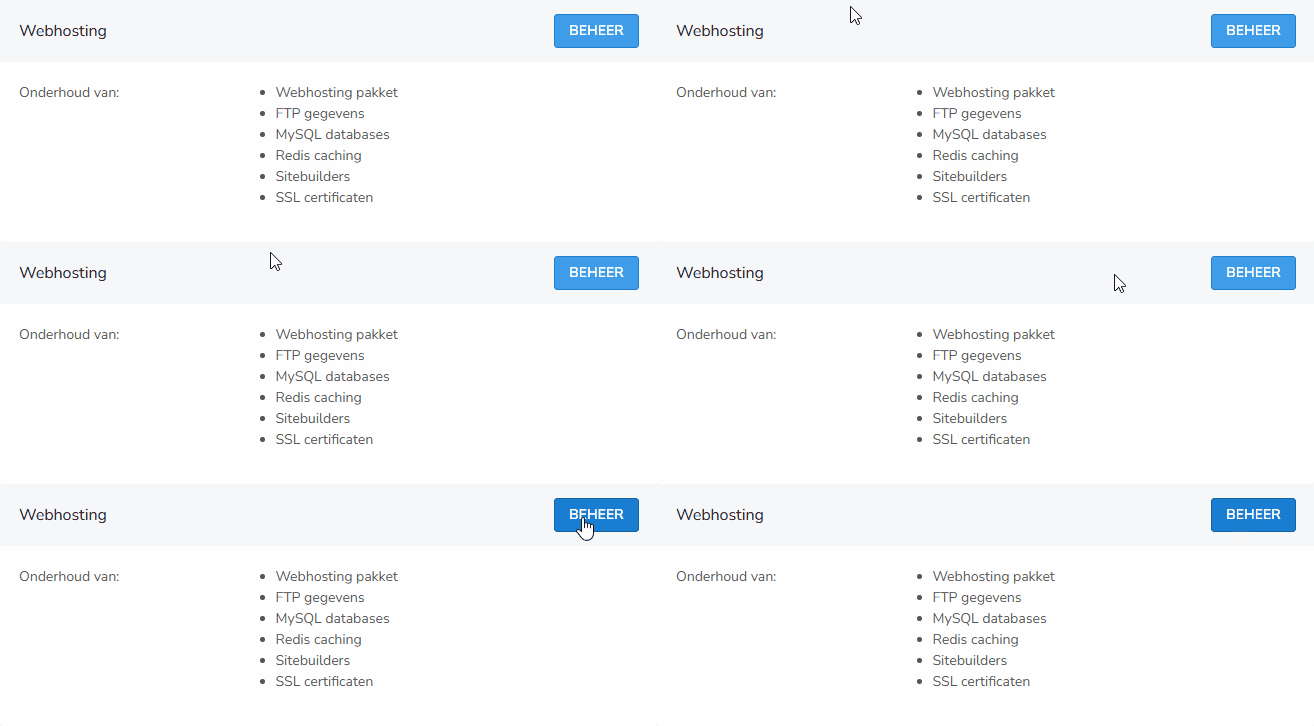
-
Click Sitebuilders in the left-hand menu
-
Find the correct Sitebuilder in the overview
-
Click the pencil icon next to the Sitebuilder

You will now be logged in to the Sitebuilder editor automatically.
Tips for logging in
- Do you have multiple sitebuilders with us? Make sure you select the correct one.
- Always log out when you're done, especially on a shared computer.
Trouble logging in?
Can't open the Sitebuilder? First check whether you're logged in to the control panel and whether you've selected the correct sitebuilder. Still stuck? Feel free to contact the bHosted helpdesk.