Do you want to cancel your account with bHosted? You can easily arrange this from the control panel.
You can choose to cancel a single domain name and keep the rest of your services, or to cancel your entire account.
Logging in to mijn.bHosted.nl
To cancel your account or a domain name, first log in to mijn.bHosted.nl with your username and password.
Cancelling a single domain name
Do you want to cancel one domain name, but keep the other domains and services within your account?
In the control panel, go to Domains and then Manage:
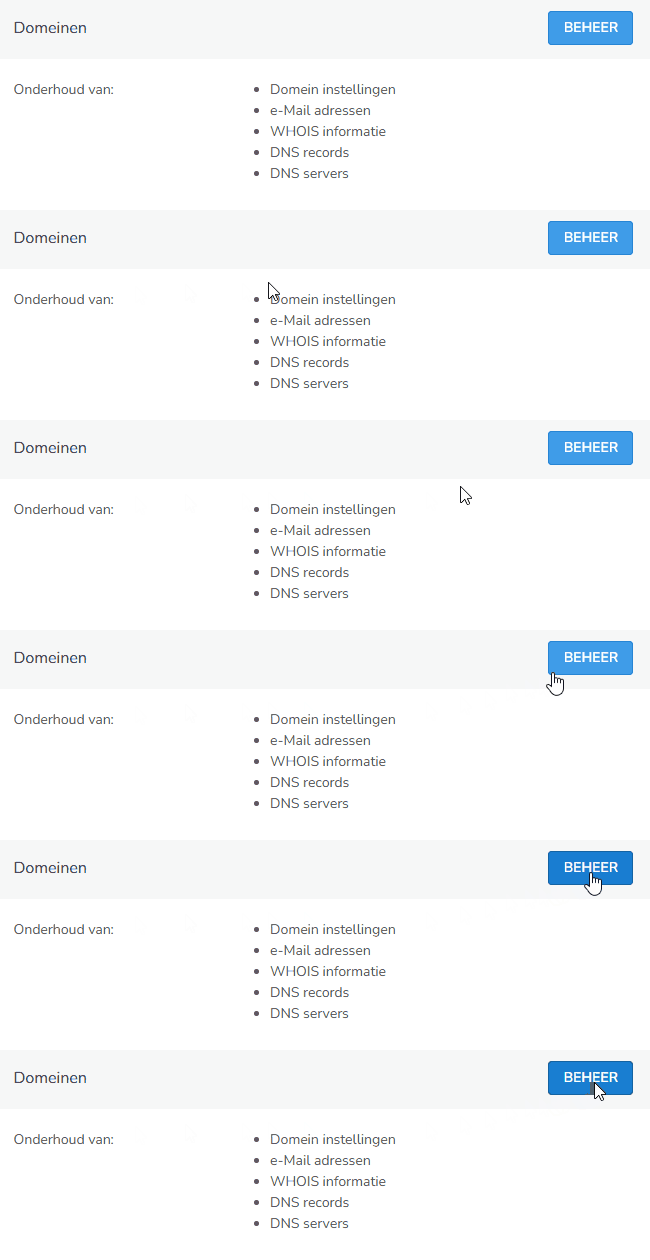
Select the domain name you want to cancel here.
Cancelling or transferring a domain name
Open the relevant domain name and click on Cancel domain on the right-hand side under actions:

On the next screen, choose confirm:
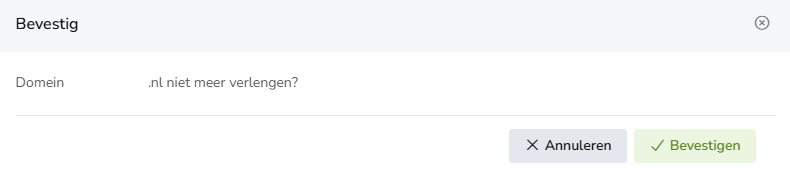
On the left-hand side, the transfer code (token) for your domain will now appear next to Transfer key. You can use this to transfer the domain to another provider if needed.
Please note: the expiry date of the domain is also shown on this page, next to paid until. After this date, the domain name will be terminated. Cancelling a domain name only affects the selected domain name. Other domains and services within your account remain unaffected.
Cancelling the entire account
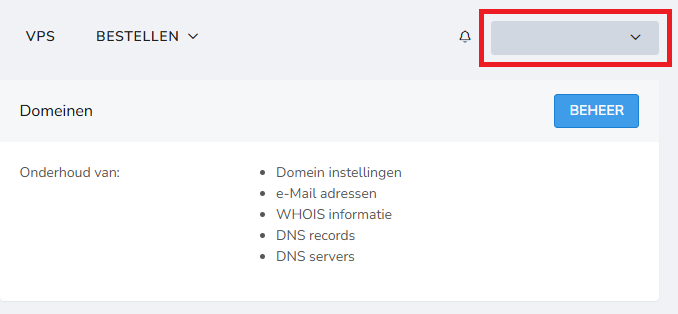
Do you want to cancel all services and domains within your bHosted account? The easiest way to do this is via the control panel. Click on your name in the top right corner and select Helpdesk from the dropdown menu:
Use the contact form to let us know that you want to cancel your entire account. As soon as we receive your request, we will process it as quickly as possible and you will receive a confirmation from us.
Tips
- Before cancelling, check whether you still use any websites, email, or other services via bHosted.
- Do you only want to cancel one domain name? Make sure you select the correct domain name.
- Before cancelling a service, consider making a backup of your website, email, and other important data.
- Are you cancelling your entire account? Then all other services within the account will also be terminated.
Do you have questions about cancelling your account or a specific service? Please contact our helpdesk, we're happy to help!